5 ways to prepare for an online teaching demo
A teaching demo is a short opportunity to show how you explain, listen, adjust, and keep a learner involved. This guide answers how to prepare without memorizing a performance: read the prompt carefully, set one reachable goal, make interaction visible, watch the time, and rehearse enough to feel natural. The strongest demo is clear and responsive rather than crowded with techniques.
5 Tips to Make Your Online English Teaching Demo Stand Out
Landing your role as an online English teacher often comes down to one crucial moment: your teaching demo. Whether you're applying to XD English or any other online ESL platform, these five tips will help you shine.
1. Prepare Your Technical Setup
Before anything else, ensure your technology is reliable. A stable internet connection, good lighting, and clear audio are helpful to check. Test your camera angle—your face should be well-lit and centered. Use a neutral, uncluttered background to keep the focus on you.
2. Know Your Target Student
This guide focuses on clear preparation, honest communication, and checking the current published instructions.
3. Use TPR and Visual Aids
Total Physical Response (TPR) techniques are especially effective in online teaching. Use gestures, facial expressions, and movement to reinforce meaning. Prepare simple props or digital flashcards to make vocabulary memorable. Engagement is key!
4. Speak Slowly and Clearly
Many teachers speak too quickly during demos out of nervousness. Remember: your "student" may be a beginner. Speak at about a comfortable pace of your normal speed. Pause between sentences. Check for understanding frequently with simple questions like "Do you understand?" or "Can you repeat?"
5. Show Enthusiasm and Patience
This guide focuses on clear preparation, honest communication, and checking the current published instructions.
Ready to Apply?
This guide focuses on clear preparation, honest communication, and checking the current published instructions.apply today and put these tips into practice!
Read the prompt
Start with a question that keeps the learner or interviewer oriented. What are we doing now, why does it matter, and what will happen next? Clear signposting prevents a short interaction from becoming a collection of disconnected activities. It also helps you notice when the other person needs a slower explanation or a different example.
Teaching online involves making information easy to see and hear. Use short instructions, demonstrate an example, and ask the learner to try before adding another explanation. Notice whether the learner is following rather than assuming silence means understanding. A pause can be useful. So can a different example, a gesture, a quick written prompt, or a question that lets the learner choose between two answers.
Make the structure visible
Keep materials easy to reach, but do not let them become the center of attention. One prompt, one example, and one way to respond are often enough to begin. If you share a screen, check that the text is readable and that you can return to the conversation. The material should support communication, not hide it.
When you review your own work, record observations rather than harsh labels. Note which instruction the learner understood quickly, where a pause helped, and which transition felt rushed. Choose one change for the next attempt. This makes reflection practical and keeps improvement connected to something you can try. It also gives you a useful way to describe your teaching decisions in a later conversation.
Create real interaction
Listening is an active teaching skill. Give the learner time to finish, repeat the important word in a natural sentence, and ask a follow-up question that shows you heard the meaning. Correct only what helps the current goal. A respectful correction explains the next attempt rather than making the learner afraid to speak.
The initial application is designed to collect recruitment information at an early stage. Read the recruitment privacy policy before consenting, and share only what the form requests. Sensitive documents such as passport details, tax identifiers, background records, and financial details are handled separately when applicable. Keep a copy of anything you submit so that you can correct an error or answer a follow-up question accurately.
Keep time useful
A short review after a demo or class can be organized into three questions: what worked, what confused the learner, and what will I change next time? Keep the answers specific. Instead of writing that the class was good or bad, note the exact activity, transition, or explanation. Specific notes make the next plan easier to improve.
A public role page can explain the work and the application stages, while a personal application should explain your own experience in your own words. Do not copy a generic answer that does not describe you. Give enough context for a reviewer to understand what you did, what the learner or team needed, and what you changed when the first approach did not work.
Rehearse for flexibility
The application process also benefits from clear boundaries. The role page describes approved public facts, and the form explains the information requested at the initial stage. If a later interview or assessment is needed, the invitation should identify the purpose and the channel. Ask for clarification whenever a request seems unrelated to the stated stage.
A human reviewer considers the complete context instead of treating a single automated signal as a hiring decision. If the team needs more information, the next instruction will explain what to prepare and how to submit it through an authenticated channel. A written offer is the place where applicable engagement and compensation terms are confirmed. Public guides cannot replace that offer or promise a result.
Read the prompt
Be careful with examples that sound like promises. A guide can describe a preparation method, but it cannot promise a particular schedule, lesson volume, response time, selection outcome, or compensation amount. Those matters depend on review, learner demand, and the written terms provided to a selected applicant.
A thoughtful online lesson is built from attention, not from expensive equipment or a long list of credentials. Prepare the device and microphone you actually use, choose a setting where you can speak comfortably, and focus on making the learner's next step clear. Professionalism shows in preparation, honesty, listening, and follow-through as much as in visual polish.
Review the open teaching role
Read the role details and application process before you start.
View the roleRelated Posts
Prepare your online teaching video interview environment
A calm, clear setup helps you focus on the teaching conversation. Use this checklist for camera, sound, background, lighting, and a final test run.
Prepare for your first online English teaching class
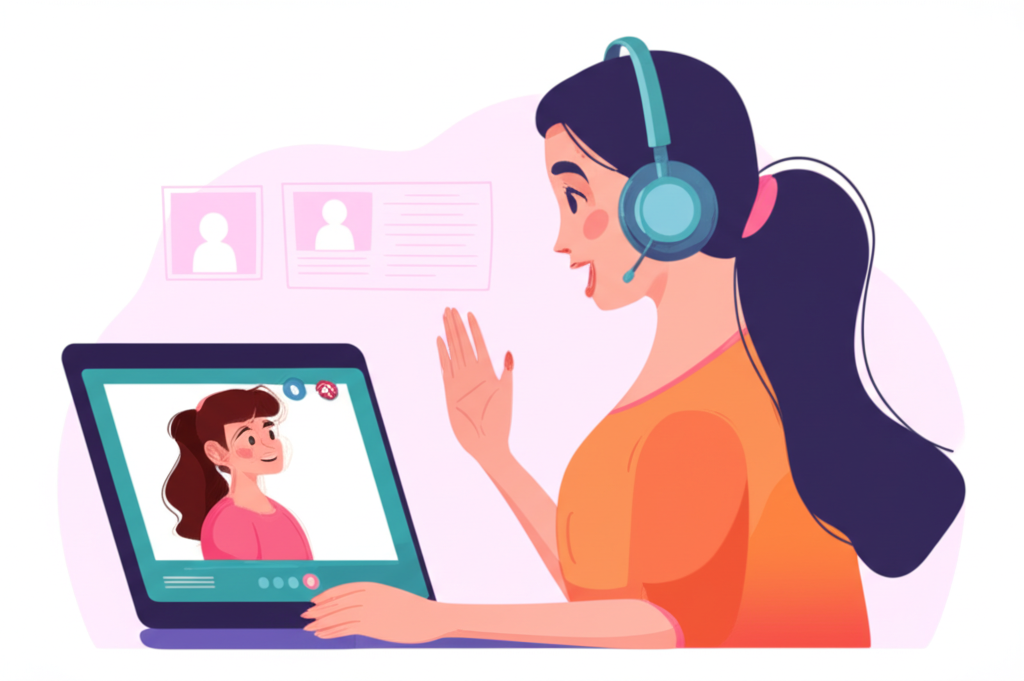
Plan a simple lesson flow, make room for learner interaction, and leave time to reflect after your first online class.